

Pipetrics Slack Integration for GitHub Actions Notifications
Configure the Pipetrics Slack integration for GitHub Actions workflow notifications, channel rules, outcome filters, and multiple Slack workspaces.
Pipetrics Slack integration for GitHub Actions notifications
Get real-time GitHub Actions notifications in Slack with Pipetrics. In short, this Slack integration for GitHub Actions keeps your team informed about CI/CD status instantly.
Looking for a native YAML approach instead? Start with the GitHub Actions Slack notifications tutorial, then use this guide when you want Pipetrics to manage notification rules outside individual workflow files.
Why Use Slack Integration for GitHub Actions?
First, monitoring GitHub Actions takes valuable time. Teams often refresh pages constantly. Also, they frequently miss critical failures. However, with Pipetrics Slack integration, you get instant alerts. As a result, your team responds faster. Moreover, you spend less time checking GitHub manually.
Furthermore, this integration is perfect for Slack-first teams. Instead of switching between tools, you get information in one place. Therefore, your workflow stays completely uninterrupted. In addition, setup takes just minutes.
Key Features of the Slack Integration
The Pipetrics Slack integration offers powerful capabilities. Specifically, here are the main benefits:
- One-click setup - Install the app to your workspace instantly
- Channel flexibility - Send notifications to any channel, public or private
- Granular control - Create rules for specific repositories and workflows
- Smart filtering - Choose to receive successes, failures, or both
- Multiple workspaces - Connect several workspaces to one organization
How to Set Up Slack Integration for GitHub Actions
Setting up takes just a few minutes. Consequently, follow these simple steps below.
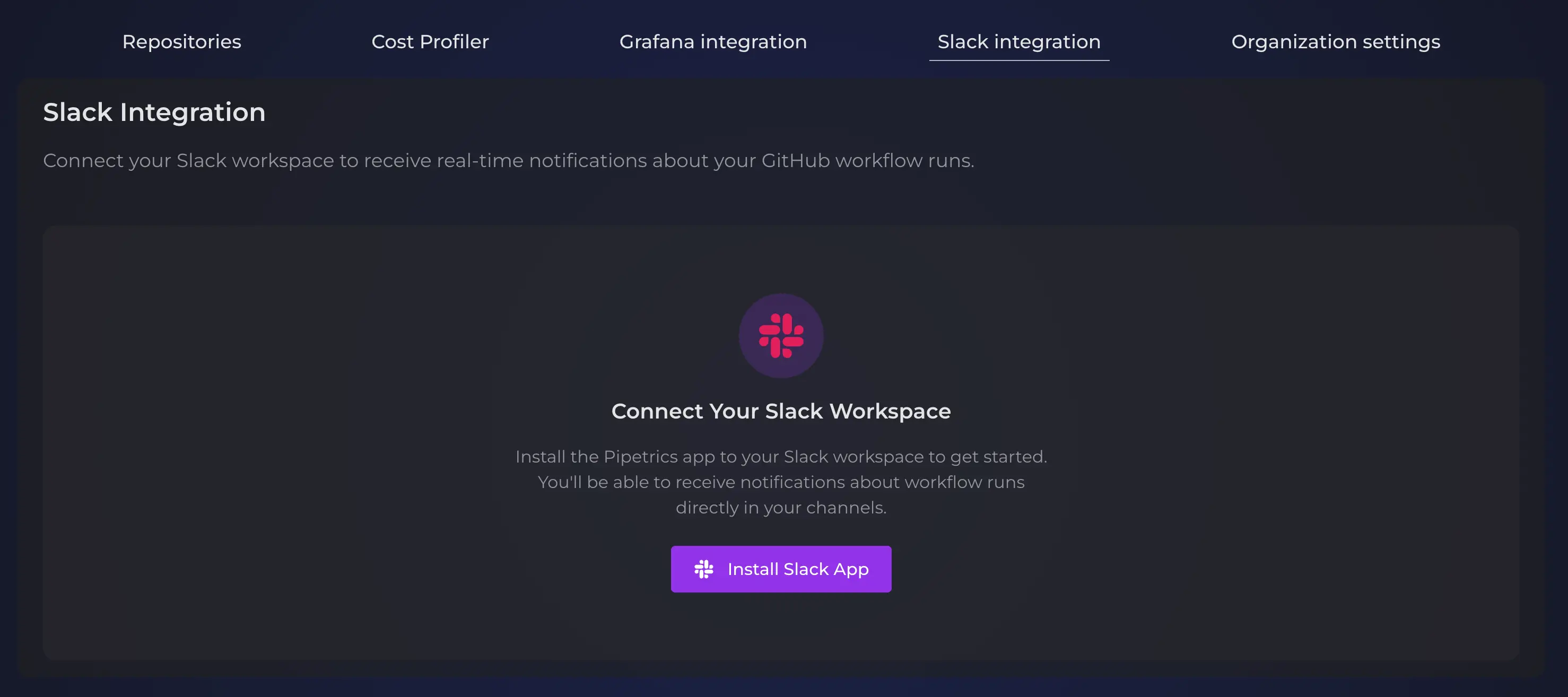
Step 1: Connect Your Slack Workspace
First, connect your Slack workspace to Pipetrics:
- Initially, go to your organization settings in Pipetrics
- Then, navigate to the Slack section
- Next, click Install Slack App
- After that, complete the Slack OAuth authorization
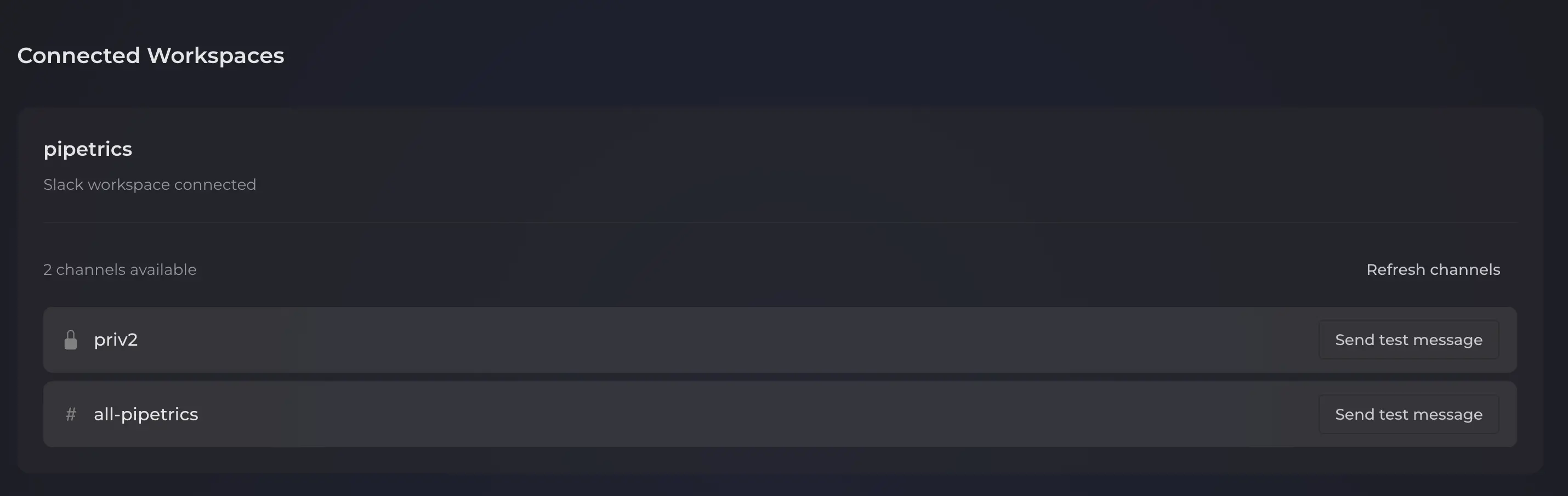
- Finally, your workspace appears as connected
Step 2: Invite the Pipetrics Bot
Second, the bot needs channel access. Here is how to invite it:
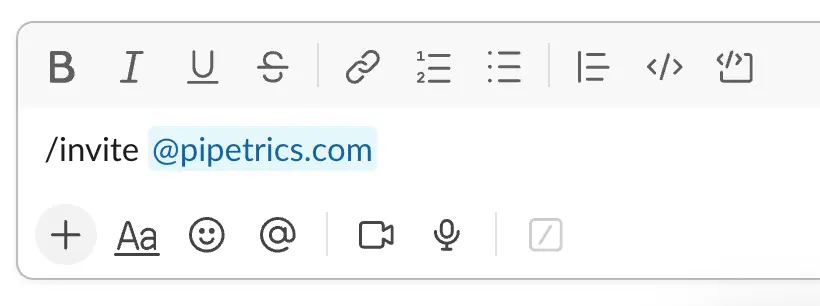
- First, open your target Slack channel
- Then, type
/invite @pipetrics.comin the channel - As a result, the bot can now post there
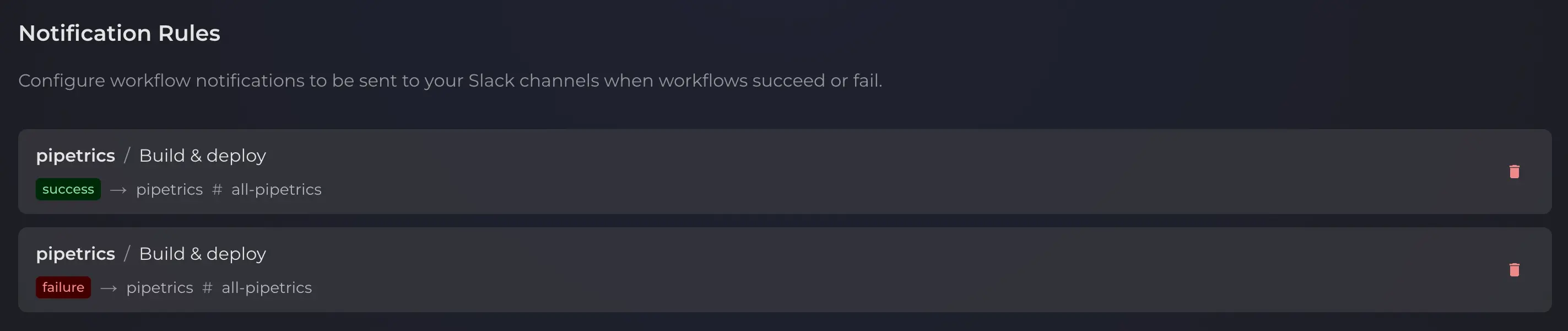
Step 3: Create Notification Rules
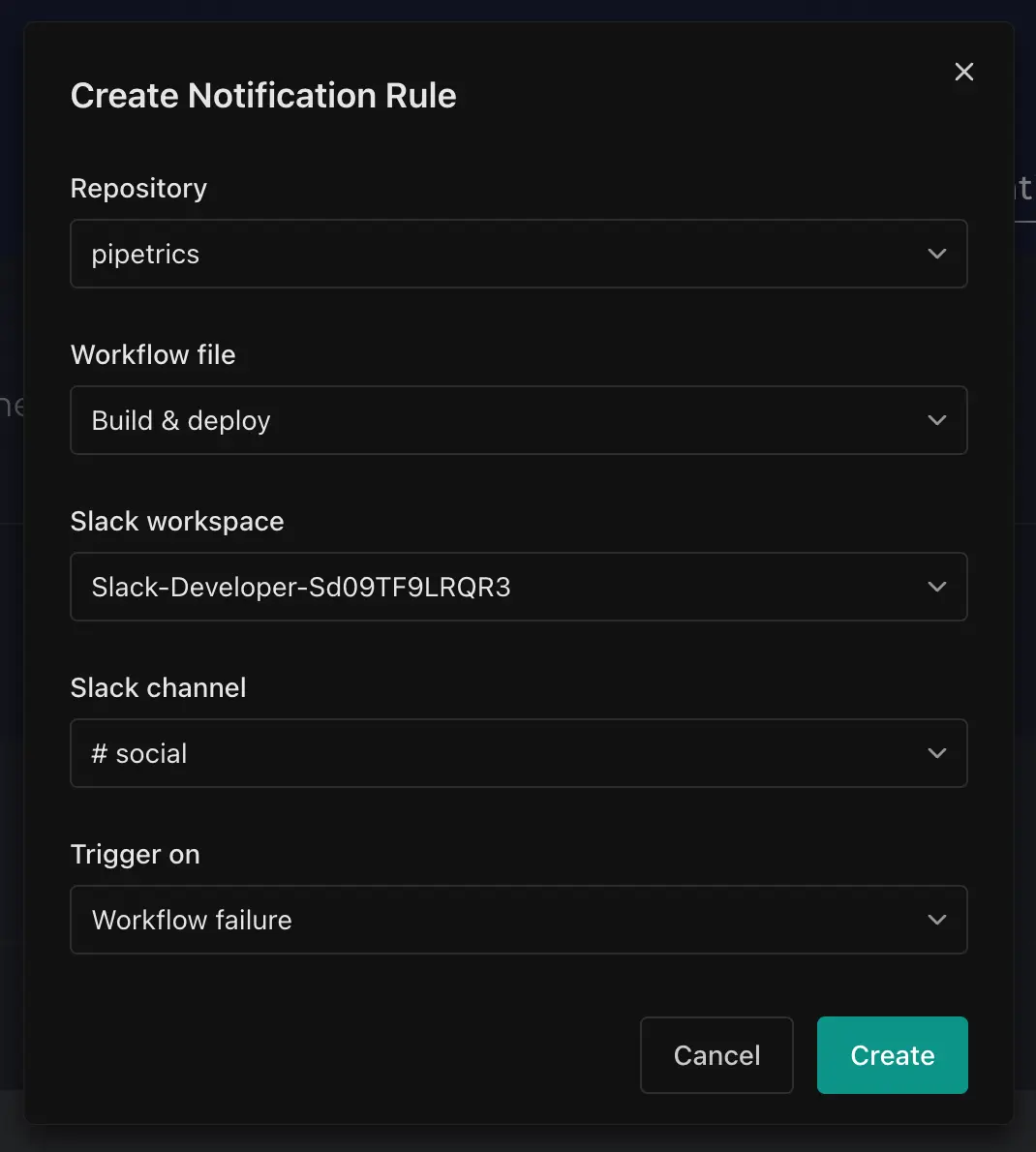
Third, define which notifications you receive:
- Initially, go to Organization Settings, then Slack
- Next, click Create Rule
- Then, select a repository to monitor
- After that, choose a workflow file (for example,
deploy.yml) - Subsequently, pick a Slack channel for notifications
- Also, select outcomes to track: Success, Failure, or both
- Finally, save your rule
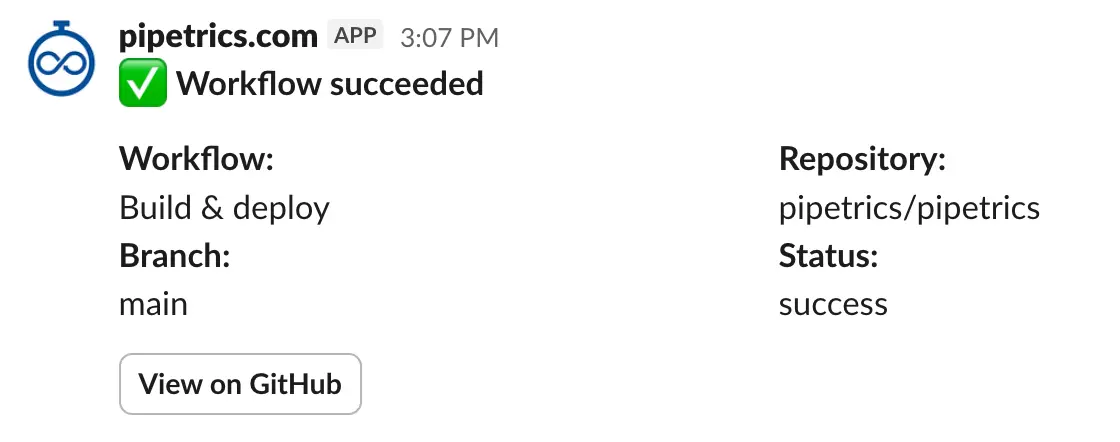
Example Slack Notification
Here is what a typical workflow notification looks like in your Slack channel:
Use Cases for GitHub Actions Slack Notifications
Different teams benefit in various ways. For example, here are common scenarios.
DevOps Teams
DevOps teams need immediate failure alerts. Therefore, create a rule for deployment workflows. Specifically, this sends failures to your #incidents channel. Consequently, you respond within seconds.
Development Teams
Similarly, development teams can track CI status easily. For instance, set up rules for build notifications. As a result, developers know when code is ready for review.
Engineering Managers
Likewise, team leads monitor multiple repositories at once. Therefore, create rules pointing to one channel. In summary, this provides a unified health view.
Managing Your Notification Rules
After creating rules, management becomes simple. Below are the main options.
Editing Rules
First, click the menu icon (...) next to any rule. Then, select Edit to modify it.
Deleting Rules
Similarly, click the menu icon first. Then, select Delete to remove the rule completely.
Using Multiple Workspaces
Additionally, you can connect multiple Slack workspaces to Pipetrics. For example, this is useful when:
- Different teams use separate Slack workspaces
- You need notifications in both internal and external channels
- You want to separate production alerts from development notifications
Integration Prerequisites
Before setting up, complete the GitHub App integration first. In other words, the Slack integration works alongside the GitHub connection. Additionally, review the FAQ for permission questions.
Availability and Pricing
Finally, the Slack integration for GitHub Actions is available on the Pro Plan. Moreover, it complements other Pro capabilities like historical Cost Profiler data access.
In conclusion, are you ready to start? Visit the Pipetrics app to upgrade and enable Slack notifications today.
Pipetrics Cost Profiler: GitHub Actions Costs
Use Pipetrics Cost Profiler to analyze GitHub Actions costs by repository, workflow, job, runner, outcome, trigger, branch, and billing category.
GitHub Actions Slack Notifications - Complete Tutorial
Learn how to add Slack notifications to GitHub Actions workflows. From simple alerts to cross-repo setups with reusable actions.